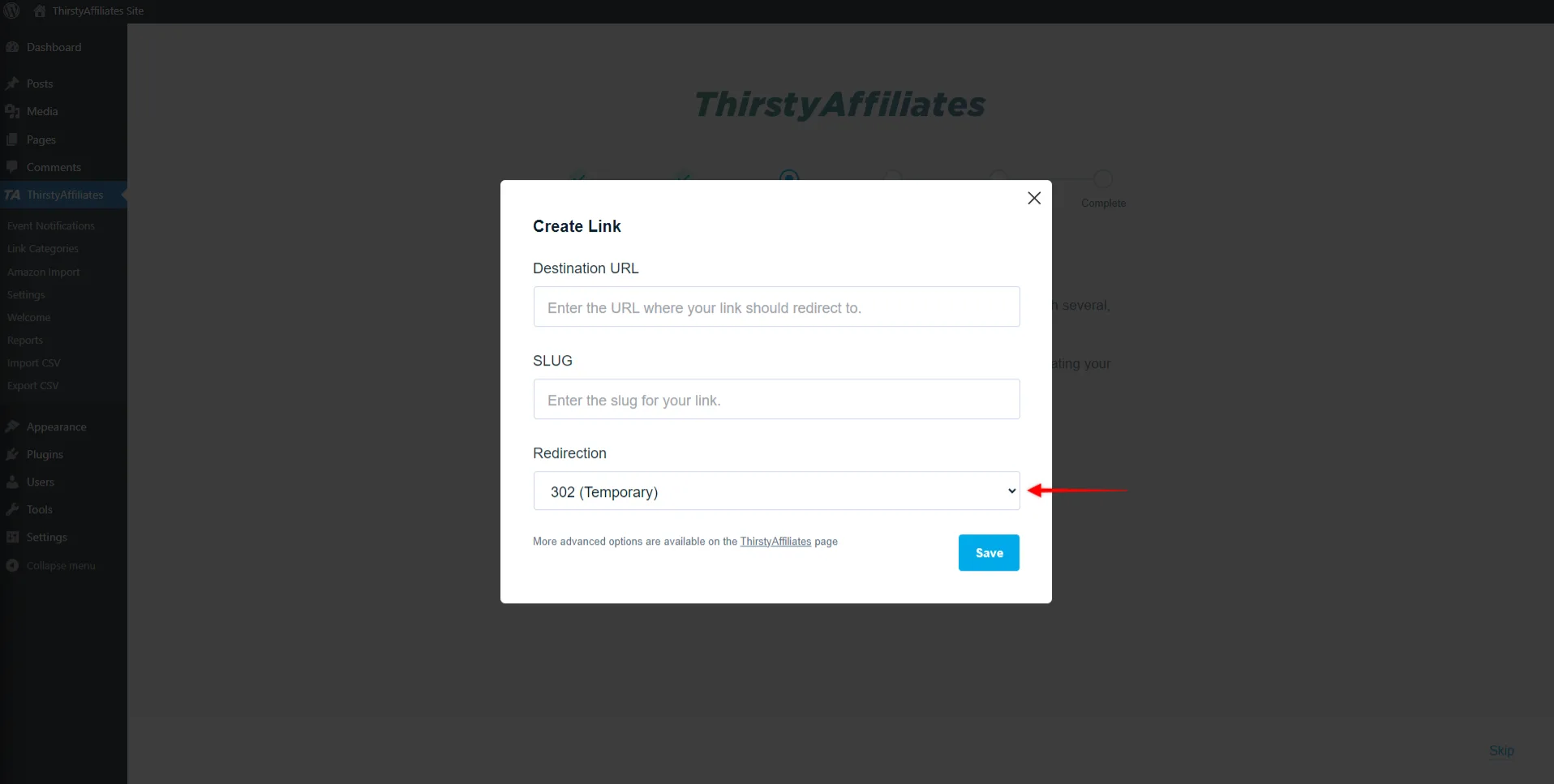
ThirstyAffiliates coupon code hunters usually want one thing: a discount that’s real on the final checkout screen. As of September 2026, the only code I could verify on ThirstyAffiliates’ own checkout pages is WELCOME, which appears to apply special introductory pricing on annual plans (renewals show at full price). If you don’t see the total change, treat the code as inactive and use plan-based savings instead. Below, you’ll get quick steps to apply a promo, a “code failed” checklist, and a clear refund reality check so you can buy with fewer surprises.
As of September 2026, the most repeatable ThirstyAffiliates coupon code I can verify on official checkout pages is WELCOME, which lines up with the “special introductory pricing” shown on the pricing page for annual licenses. Your checkout may differ depending on whether that introductory price is pre-applied or needs the code entered manually. This isn’t magic… pricing + policy. Screenshots lie.
You’re a blogger cleaning up hundreds of affiliate URLs across old posts.
You run niche sites and need different links per country for better conversions.
You’re an agency managing client sites and renewals.
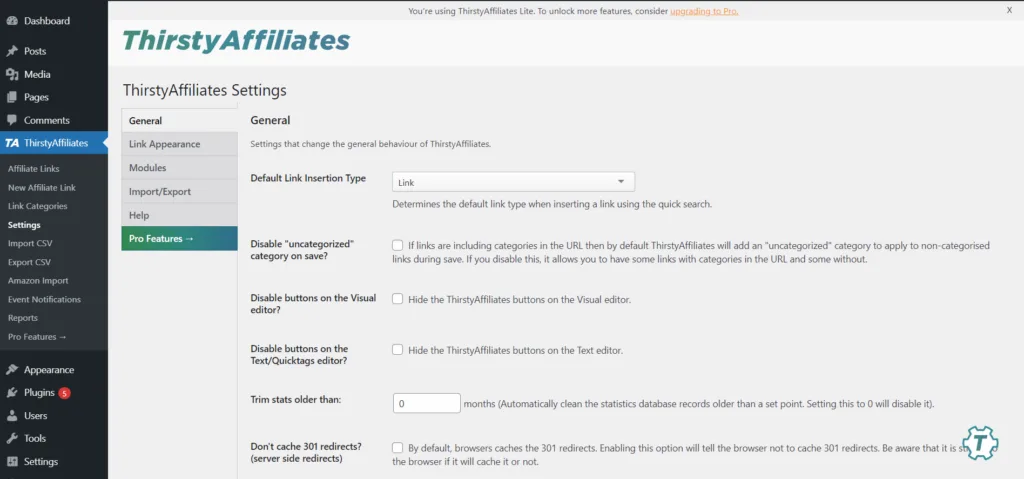
Here’s the boring truth, with receipts you can verify. I first assumed the best discount would be some secret coupon list, then realized ThirstyAffiliates publishes the real numbers right on its own pricing and checkout pages—so you can ignore the noise and just confirm the total before you pay. Micro-check #1: the official pricing page shows introductory annual pricing of $99.60 (Basic), $149.60 (Plus), and $199.60 (Advanced), with “normally” prices listed beside them and a note that renewals are at full price. Micro-check #2: the official payment-options doc says payments are processed via Stripe, use major credit cards, and are automatically recurring unless cancelled. Receipts beat random codes. If you want a quick starting point, use this ThirstyAffiliates deal link and then verify the final order summary on the official checkout before submitting payment.
ThirstyAffiliates coupon code status
Let’s keep this grounded in what the official pages actually show. Deal math. As of September 2026, WELCOME is the only coupon I could verify being referenced in ThirstyAffiliates’ own materials and checkout flows, and it appears to be tied to first-year introductory pricing on annual plans. If you enter WELCOME and the total doesn’t move, treat it as inactive for your cart and rely on the published introductory pricing instead.
Start from official buttons every time, not coupon farms. No drama.
Best for: affiliate bloggers who want centralized link management, clean branded redirects, and on-page features like keyword auto-linking and reporting without leaving WordPress.
Not ideal for: sites that aren’t on WordPress, or teams that need enterprise attribution modeling rather than link-level management.
Check with a professional first if: you operate in regulated niches and need help with disclosure language, country-specific promo rules, or privacy considerations around tracking.
One caution that saves money: ThirstyAffiliates shows introductory pricing and separately shows “normally” prices, which is a strong hint that renewals can be higher than year one. That’s not unusual for WordPress plugins, but it means your “deal” isn’t just what you pay today—it’s also what you’ll renew at if you keep it running.
Best ways to save (no-code)
Policy beats promises in checkout land, so read it. Boring wins.
The best savings usually come from buying the smallest license that fits your reality, then upgrading only when you’ve proven you need the extra sites or advanced modules.
Rule of thumb: choose your plan by site count first (1 vs 5 vs 10), then by which workflow features you’ll use weekly (auto-linking, CSV, geo redirects, product displays).
- Start with the smallest license that matches your sites: if you only have one site, Basic is usually the cleanest entry point; if you manage multiple properties, Plus or Advanced avoids paying for extra licenses later.
- Use the free version to validate your baseline workflow: set up link categories, create a few cloaked links, and confirm the UI feels natural before paying for Pro modules.
- Upgrade only after you hit a real ceiling: if you are not using geo redirects or automatic keyword linking yet, you may not get full value from the higher tier immediately.
- Buy when you can implement fast: the refund window is 14 days, so plan to do setup, testing, and a small content pass right after purchase.
- Watch renewal pricing: if year-two pricing is meaningfully higher, set a calendar reminder well before renewal so you can decide whether to keep, downgrade, or cancel.
Start small, then scale.
Trust the final total before you click pay.
How to apply a promo (steps)
Keep the workflow boring so you can reproduce it later. If the checkout template changes, this may change. The goal is to apply a code once, see the price update, and then save your receipt.
- Open the official pricing page and pick the license based on how many WordPress sites will activate the key.
- Click “Get Started” for Basic, Plus, or Advanced, and confirm you are still on the official ThirstyAffiliates checkout.
- Look for a coupon field (often labeled “Have a coupon?”), enter WELCOME if it isn’t already reflected in the price, and apply it once.
- Confirm the order summary shows the amount you expect for year one and the renewal amount for year two.
- Finish payment, then save the receipt email and the license key details for your WordPress admin records.
One tab, one truth, and no extra guesswork. Deal math.
Code fail checklist
If a coupon doesn’t apply, it’s usually a rules problem, not a technical mystery. Run through this list once, cleanly, and then move on.
- The discount is already baked into the plan price: if the introductory price is shown, adding WELCOME may not further reduce it.
- You used the wrong case or included an extra space: paste carefully and retype if needed.
- You’re on the wrong plan page: each plan has its own checkout page, so double-check you’re not mixing Basic and Plus.
- You’re trying to apply a third-party “exclusive” code: treat off-site codes as unverified unless your total changes on the official checkout.
- Your browser cached an older checkout: retry in a private window to confirm what’s real today.
- You’re expecting stacking: most checkouts apply one coupon at a time, and introductory pricing typically won’t stack.
When the total doesn’t change, that is your answer, and you can stop chasing discount myths. Policy beats hype when renewals land hard.
Pricing/bundles + refund/trial reality check
Cost is straightforward once you separate year-one pricing from renewals, because the renewal price is what you’ll pay long-term if you keep the license active. Read renewals.
As of September 2026, ThirstyAffiliates lists three paid plans on the pricing page, each with a site limit and a visible “normally” price that signals the renewal baseline.
Annual plans shown on the pricing page:
- Basic (1 site): $99.60/year introductory pricing; “normally $249” is shown alongside it.
- Plus (5 sites): $149.60/year introductory pricing; “normally $374” is shown alongside it.
- Advanced (10 sites): $199.60/year introductory pricing; “normally $499” is shown alongside it, and this tier is where Product Displays are highlighted.
Now for the safety rails that matter once you’ve paid. ThirstyAffiliates’ knowledge base describes a 14-day money-back guarantee for new purchases, and the Terms add extra details: refund requests must be made within the stated window, and renewal refunds may be available within 14 days of renewal but can be reduced by an administrative fee. That’s why the best buying behavior is to install the plugin immediately, run a real test on a staging site, and decide fast.
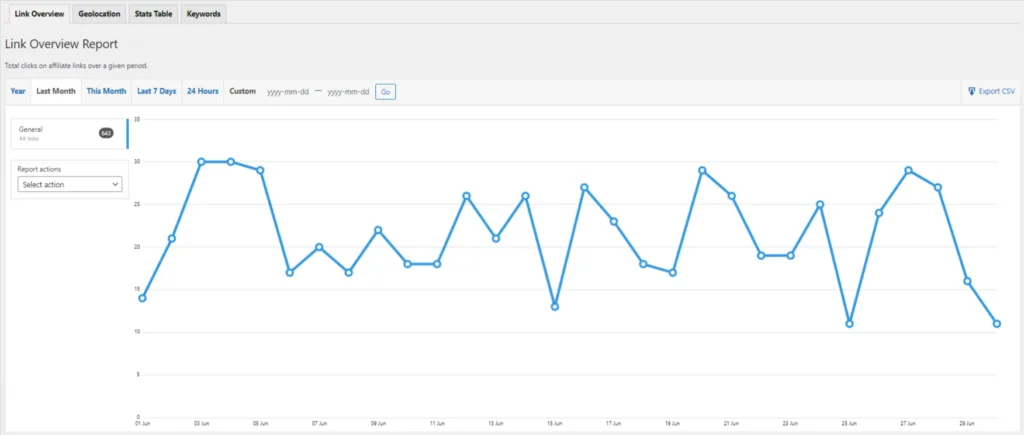
What counts as “fit” in the first two weeks? You should be able to create a few cloaked links, categorize them, insert them quickly in content, and confirm reporting works for your use case. If you plan to auto-link keywords, test it on a small subset of posts first to avoid accidental over-linking or awkward anchor text.
Also be honest about your operational needs. If you manage a handful of client sites, paying for the larger license can be cheaper than buying separate single-site licenses—provided you’ll actually use it across those installs.
Seasonality
Most WordPress plugin discounts follow a predictable rhythm, and ThirstyAffiliates is no exception. The brand has promoted “save up to” Black Friday-style deal messaging in its own content, and that’s typically when deeper discounts show up than the standard welcome/intro pricing.
Practically, if you’re not in a rush, you can watch for those seasonal promotions. If you need link management today, the smarter move is to buy the correct plan now and start fixing your link hygiene immediately, because broken affiliate links cost more than a missed coupon.
Alternatives
ThirstyAffiliates is a classic “manage links inside WordPress” tool. If that’s not your preference, here are solid alternatives to compare, depending on whether you want cloaked links, displays, or a broader affiliate workflow:
- Pretty Links: popular for clean redirects and simple link management, especially for creators who want short, shareable URLs.
- Lasso: focuses on affiliate link management plus higher-converting displays and reporting for content sites.
- AAWP: a common option for Amazon-heavy sites that want product boxes and tables.
- Easy Affiliate: if your goal is running your own affiliate program rather than managing outbound affiliate links.
- Manual + UTM + GA4 events: workable for very small sites, but it becomes painful once you have dozens of partners and need fast updates.
Compare tools with one repeatable test: update ten links in bulk, swap a destination once, and confirm that reporting still makes sense a week later. That’s how you find the tool you’ll keep using.
FAQs + operator notes
Q: Is there a working ThirstyAffiliates coupon code right now?
As of September 2026, the only code I could verify on official materials and checkout pages is WELCOME, which appears to align with introductory annual pricing. Always trust the final order total rather than a coupon list.
Q: What does WELCOME actually do?
The official checkout pages show WELCOME tied to first-year introductory pricing (for example, Basic shows $99.60 for year one and $249/year afterward). If the introductory price is already displayed, the code may not stack further.
Q: How many sites does each plan cover?
The pricing page shows Basic for 1 site, Plus for 5 sites, and Advanced for 10 sites. Pick based on how many WordPress installs will activate the license key.
Q: Is there a refund policy?
Yes. ThirstyAffiliates’ documentation describes a 14-day money-back guarantee for new purchases. The Terms add details about timing and renewal refunds (which may include an administrative fee), so test quickly after purchase.
Q: How do payments and renewals work?
The payment-options doc says payments are processed via Stripe using major credit cards, and that payments are automatically recurring unless cancelled. Plan your renewal decision early, not on billing day.
Q: Do I need Pro immediately?
You don’t always need Pro on day one. You can install the free version first to confirm the link management workflow, then upgrade when Pro features like keyword auto-linking, geo redirects, or advanced reporting become worth it.
Operator notes: Last checked: September 2026, and here is what was and wasn’t verified. Verified on official ThirstyAffiliates pages: pricing and “special introductory pricing” language with plan prices and “normally” (renewal) figures; the WELCOME coupon appearing on official checkout pages; the 14-day money-back guarantee in documentation; payment processing and auto-recurring billing notes; and refund timing/renewal-fee details in the Terms. Not verified: any third-party “exclusive” coupon strings, stacking rules across every possible checkout variation, or any partner-only discounts delivered privately by email or support.