
NeuronWriter coupon code searches usually mean one thing: you want a real discount you can verify at checkout. As of September 2026, I couldn’t confirm a public, always-on coupon code published by NeuronWriter, so this page focuses on the saving methods that tend to work every time—choosing the right plan, using the yearly discount, and evaluating official lifetime options. You’ll also find a quick “code not working” checklist and a reality check on trials and refunds, so you can buy with fewer surprises and a cleaner receipt.
As of September 2026, anyone searching for a NeuronWriter coupon code should know that I couldn’t confirm a public, always-on promo code published by the company—so the smartest “discount” is usually picking the right billing option and plan tier. Here’s the boring truth. Your checkout may differ, especially if you’re routed through a partner offer. This isn’t magic… pricing + policy.
You publish content weekly and want clearer on-page targets without guesswork.
You run client SEO and need repeatable briefs, outlines, and scoring.
You manage an in-house blog and want faster refreshes on aging pages.
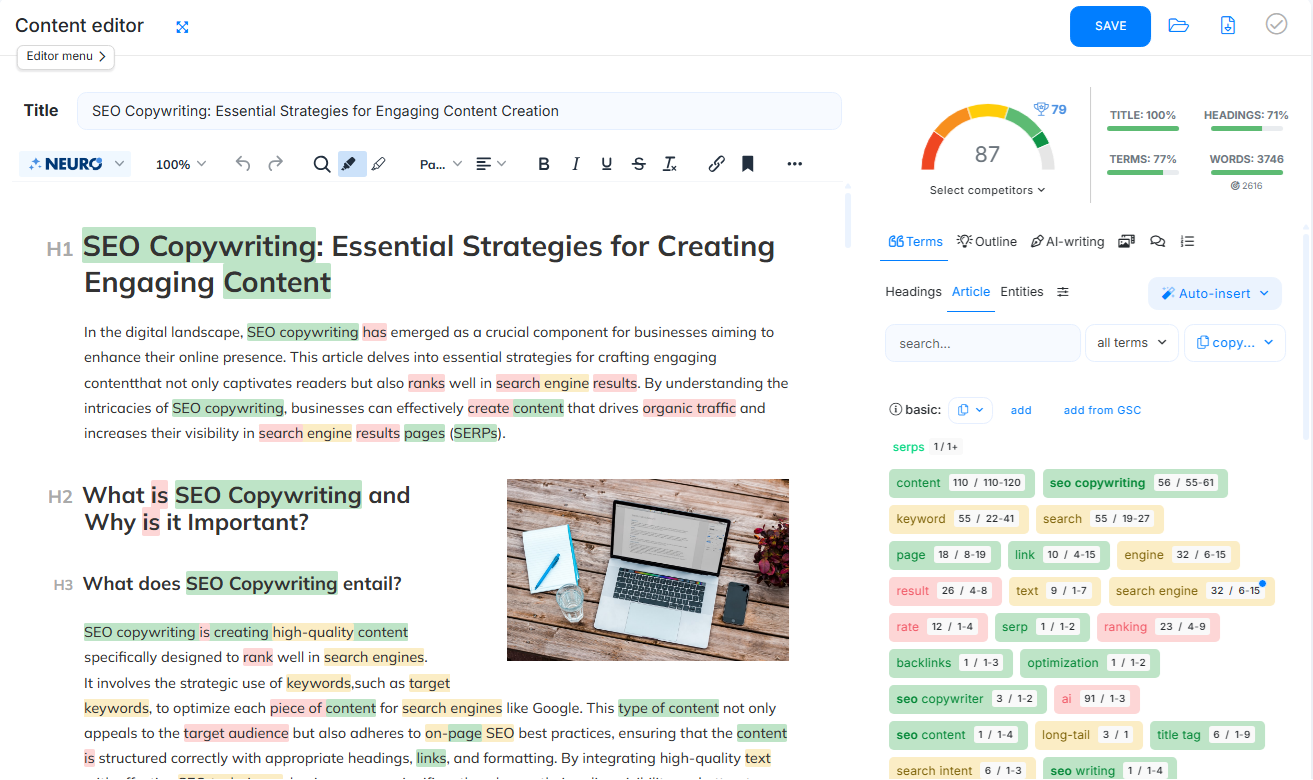
Instead of chasing sketchy code lists, start with the official pricing and lifetime pages, then compare them to any partner listing you trust. I first assumed the best deal would be a coupon, then realized the yearly billing discount and the official lifetime options do most of the heavy lifting for most buyers. Micro-check #1: the billing/legal pages are hosted on app.neuronwriter.com (powered by CONTADU). Micro-check #2: the Terms of Service list Stripe and PayPal as payment options. If you want a quick shortcut, you can start from this NeuronWriter deal page and then verify the totals on the official checkout before you pay.
NeuronWriter coupon code status
When people ask for a “NeuronWriter coupon code,” they’re usually hoping for a simple field to paste a code and watch the total drop. In practice, the most reliable savings on tools like this come from three places: how the vendor prices monthly vs. yearly, whether they offer lifetime access, and whether any partner marketplace is running a legitimate promotion.
Start with the official pricing page first. Screenshots lie.
As of September 2026, the official pricing page shows monthly and yearly plans (with the yearly option positioned as a discounted rate), and the company also publishes separate lifetime plan pricing on its lifetime page. The same pricing page also states you can test the tool for 7 days under the Gold plan terms, which is a handy way to confirm fit before committing.
If you do run into a code shared on social media or a coupon site, treat it as unverified until it’s reflected in your final total. Use one source of truth at a time.
Best for: publishers who want semantic SEO guidance, SERP-driven term suggestions, and a structured editor that makes optimization feel like a checklist instead of a guessing game.
Not ideal for: teams that only need a lightweight AI writer with no SERP analysis, or anyone who expects fully automated rankings without editorial work.
Check with a professional first if: you’re making claims in regulated niches (health, finance, legal) and need compliance review alongside content optimization.
Best ways to save (no-code)
No magic—just math.
The cleanest savings usually come from choosing the billing cadence and plan that matches how many projects and analyses you’ll actually run. Rule of thumb: pick the plan by project/workspace limits first, then by analysis and AI-credit allowances.
- Use the 7-day trial to test workflow fit: set up one real keyword analysis, draft in the editor, and confirm the scoring/terms feel actionable before you pay.
- Compare yearly billing against monthly totals: if you know you’ll use the tool for quarters, not weeks, yearly billing can reduce the effective monthly cost versus paying month-to-month.
- Consider official lifetime plans if you’ll stick around: the vendor’s lifetime page lists one-time payments for higher tiers, and monthly usage limits (analyses/credits) reset each month even on lifetime access.
- Only upgrade when you hit limits: start at the lowest tier that supports your current number of projects, then move up once you’re consistently bumping into caps.
- Check reputable partner marketplaces: third-party listings can sometimes bundle lifetime access or different refund windows, but always verify what you’re buying and what “lifetime” covers.
A yearly plan is often the quiet win. Keep a screenshot, but trust the receipt.
Want a quick apples-to-apples comparison before you buy? Jump to today’s NeuronWriter offers and then match the plan names back to the official pricing page for confirmation.
How to apply a promo (steps)
If you have a coupon code from an email, partner, or event, the safest approach is to apply it as late as possible—right before payment—so you can see the final total update in real time. If the checkout template changes, this may change.
- Open the official pricing page and choose the plan that matches your project count and usage needs.
- Create your account (or sign in) so the order page is tied to your profile.
- Proceed to the payment step and look for any coupon/promo input or an “add discount” option.
- Paste the code exactly as provided (watch for extra spaces), then apply/confirm.
- Re-check the total, the billing period, and what you’ll be charged today before completing payment.
If the code doesn’t change your total, don’t force it—move to the checklist below and focus on plan-based savings instead.
Code fail checklist
If a coupon doesn’t apply, it’s usually one of a few boring issues rather than anything mysterious. When in doubt, refresh and re-check totals.
- Code is limited to new accounts or first purchase only, and you’re not eligible.
- Code only works on a specific billing cadence (monthly or yearly) or tier.
- Extra spaces or wrong capitalization are causing a mismatch.
- The code expired or was tied to a short promotion window.
- Your cart is routed through a different offer path that excludes discounts.
- The discount is already auto-applied, so the code is redundant.
- Regional taxes/currency changes are masking a small discount in the total.
If it sounds too generous, verify twice. If you still can’t validate it, stop and use a no-code saving method.
Pricing/bundles + refund/trial reality check
Start with the published plan grid, then work backwards from your actual workload. As of September 2026, the official pricing page lists these subscription rates (and their yearly-billed equivalents), and the separate lifetime page lists one-time prices for higher tiers.
- Bronze: $23 per month, or $19 × 12 billed yearly for the same tier.
- Silver: $45 per month, or $37 × 12 billed yearly for the same tier.
- Gold: $69 per month, or $57 × 12 billed yearly for the same tier.
- Platinum: $93 per month, or $77 × 12 billed yearly for the same tier.
- Diamond: $117 per month, or $97 × 12 billed yearly for the same tier.
- Official lifetime pricing: $297 (Gold), $495 (Diamond), and $693 (Yellow Diamond) as one-time payments.
Auto-applied discounts usually beat mystery coupon codes.
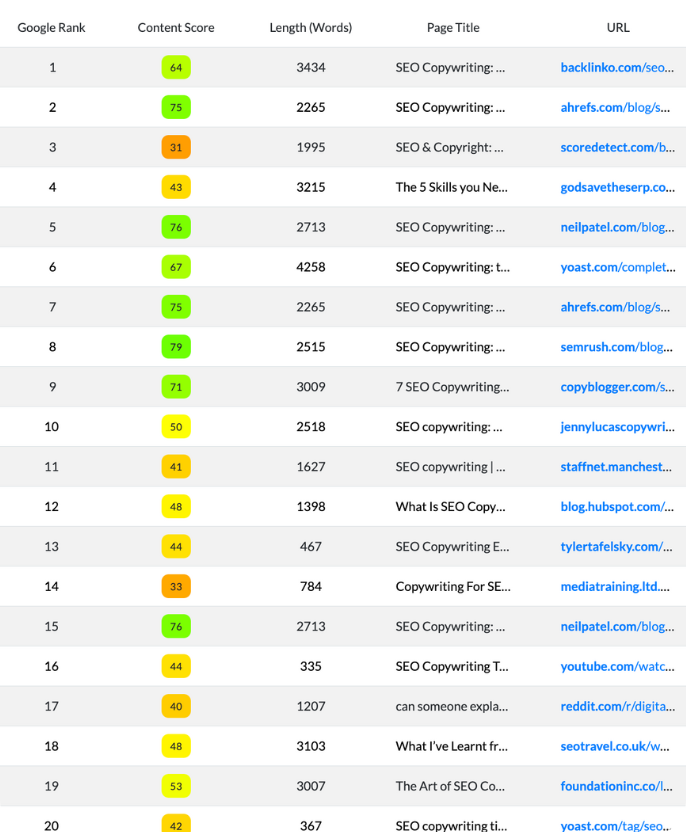
On subscription plans, the official pricing page indicates a 7-day free trial under Gold plan terms, and the vendor’s refund FAQ states a 1-month refund policy for new users (with refunds available within 30 days from purchase for the first plan on an account). That “first plan” wording matters if you’re planning to upgrade after buying.

Lifetime access can be a great value when you know you’ll keep using the workflow, but read the limits carefully: the lifetime page notes that analyses, AI credits, and plagiarism checks reset monthly, while the number of projects/folders is fixed by plan. That means lifetime is “pay once for access,” not “unlimited everything forever.”
Seasonality
NeuronWriter promos (when they happen) tend to follow the same calendar gravity as most SaaS tools, even if the exact discount changes year to year. Deal math.
- Black Friday/Cyber Monday windows often bring the loudest promos.
- New Year planning season sometimes triggers annual-plan pushes.
- Product launches and feature announcements can include partner bundles.
- Marketplace events may add their own discount layer or refund rules.
Keep expectations realistic: if you don’t see an official banner, an email offer, or a partner listing you trust, assume there’s no active code and optimize savings through plan choice instead.
Alternatives
If NeuronWriter’s workflow isn’t your style, there are solid substitutes that cover similar “optimize-to-rank” use cases. The right pick depends on whether you value content briefs, semantic term coverage, AI drafting, or team approvals.
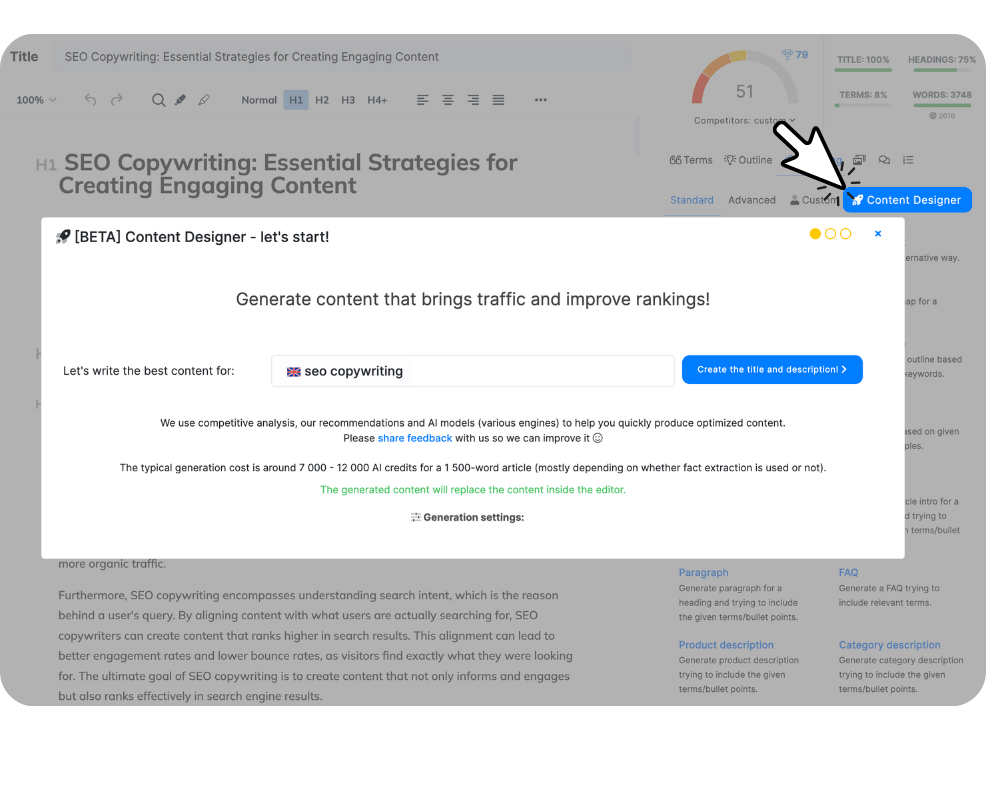
- Surfer SEO: widely used for on-page scoring and content guidelines with a polished editor.
- Frase: strong for SERP research, briefs, and question-based outlines.
- Clearscope: editorial-grade term guidance often favored by larger teams.
- MarketMuse: deeper strategy and content inventory analysis for advanced programs.
- WriterZen or similar: topic/keyword workflows that combine research with writing support.
The best comparison move is to run one identical keyword through two tools and judge the recommendations by clarity and effort, not by the loudness of a discount banner.
FAQs + operator notes
Q: Is there a working NeuronWriter coupon code right now?
A: I couldn’t confirm a public coupon code published on the official site as of September 2026. If you have a code from email or a partner, apply it at checkout and only trust the final total you’re about to pay.
Q: Does NeuronWriter offer a free trial?
A: The official pricing page states you can test the tool for 7 days under the Gold plan terms after creating an account.
Q: What is the refund policy for new NeuronWriter users?
A: The vendor’s refund FAQ describes a 1-month refund policy for new users, with refunds available within 30 days from purchase, and the pricing FAQ notes it applies to the first plan purchased on an account.
Q: Does NeuronWriter offer an official lifetime plan option?
A: Yes—NeuronWriter publishes lifetime plan pricing on its lifetime page, and it notes that monthly usage limits (like analyses and AI credits) reset each month even on lifetime access.
Q: Can I upgrade or downgrade my plan later?
A: The pricing FAQ says you can change your plan, and it points users to a “Subscriptions & invoices” area in the profile to manage upgrades or downgrades.
Q: Do I need a credit card for the free trial?
A: The Terms describe a 7-day free trial for new users where the account is not charged, and access is suspended until you upgrade to a paid plan.
Q: How do I avoid paying for the wrong tier?
A: Start with your real project count, run one or two analyses during the trial, and only move up when you consistently hit caps—then re-check the total on the final payment screen before you submit.
Operator notes: Last checked: September 2026 using official NeuronWriter pages. Verified on official pages: monthly and yearly plan pricing, the 7-day trial statement, the lifetime plan pricing and monthly reset notes, and the 30-day refund wording for new users/first plan. Not verified: any currently active coupon strings, partner-exclusive codes, or a dedicated promo-code field placement inside the authenticated checkout flow.