
Freshchat coupon code searches are usually about one thing: paying less without trusting sketchy “working code” lists. As of September 2026, I couldn’t confirm a public, always-on promo code advertised on Freshchat’s official pricing pages, so this guide focuses on savings you can actually verify—starting with the Free plan, using the 14-day trial to test the Enterprise experience, and right-sizing the number of agents you truly need. You’ll also get quick steps for applying any legitimate promo you receive directly from Freshworks, plus a checklist for when a code doesn’t apply.
As of September 2026, if you’re searching for a Freshchat coupon code, the safest “deal” is the one you can reproduce on the official checkout total. Your checkout may differ. This isn’t magic… pricing + policy.
You run a lean support team and need live chat + messaging that scales.
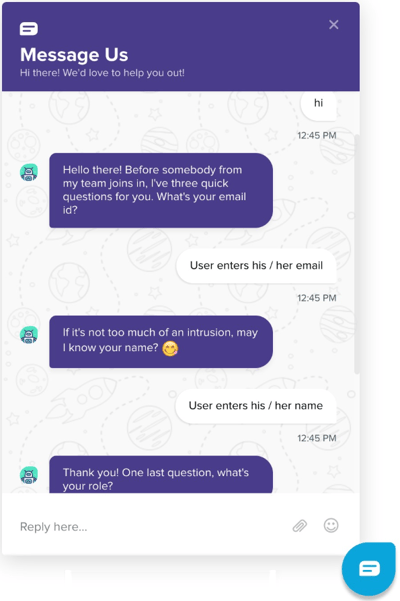
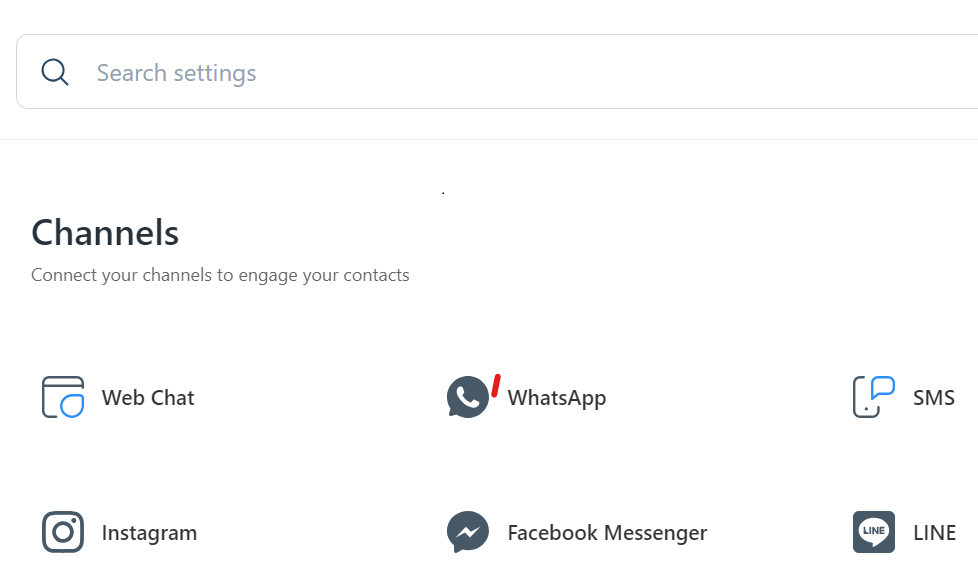
You’re adding WhatsApp/Instagram and want one inbox, not four tabs.
You’re an ops lead trying to control per-agent spend.
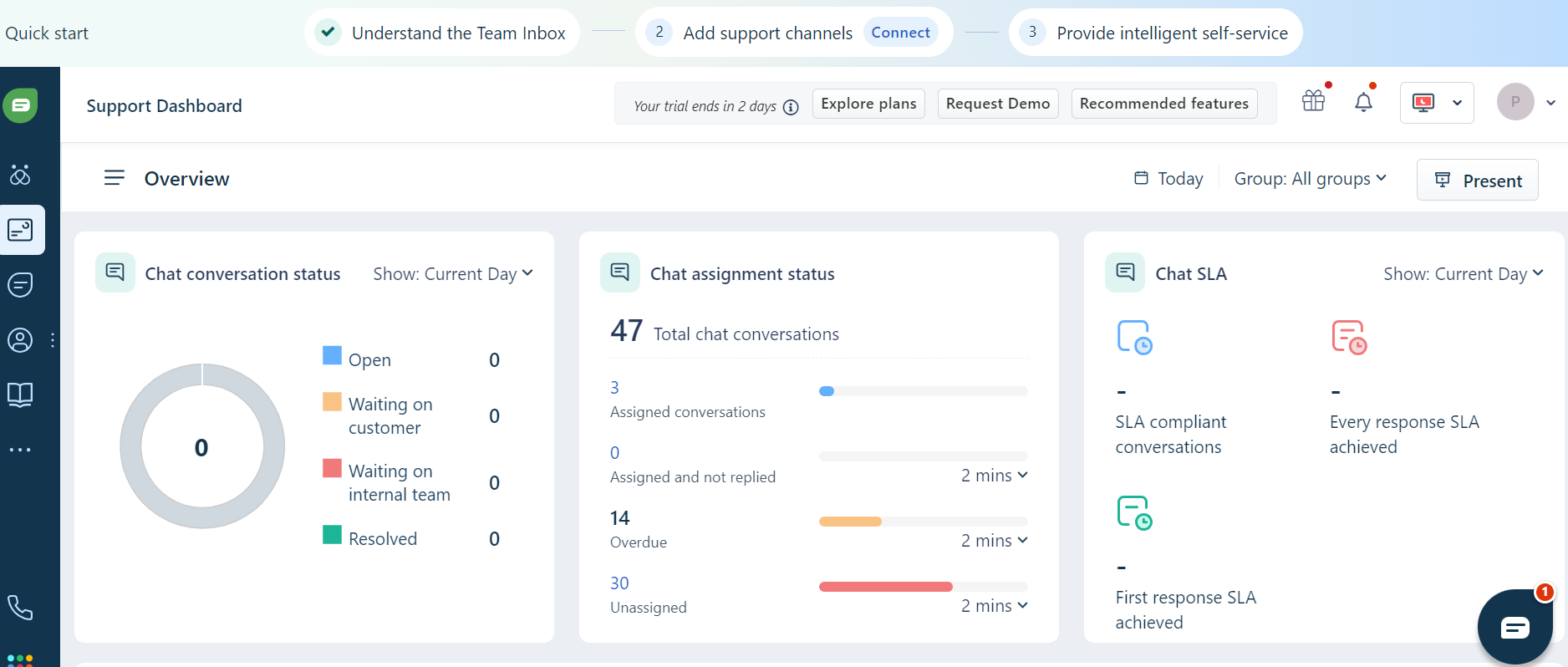
Here’s the boring truth about saving on Freshchat: most coupon pages don’t know your agent count, your channel mix, or your billing cadence, so they can’t guarantee real savings. Keep the receipt email. I first assumed Freshchat would push a public coupon code, then realized the official pages emphasize plan-based pricing instead. Micro-check #1: the Free plan card on the pricing page reads “$0 for up to 10 agents.” Micro-check #2: the pricing FAQ explicitly says Freshchat accepts major cards but “does not accept PayPal.” If the checkout template changes, this may change. If you want a clean starting point, use this Freshchat deal link, then confirm the final order summary before you approve payment.
Freshchat coupon code status
Let’s keep this grounded in what you can verify today, not what a coupon directory claims. Start from official buttons, not coupon directories. If a discount is real, you should see it reflected in the total you’re about to pay, on the official Freshworks checkout flow.
As of September 2026, I did not find an always-on “paste this code” promotion advertised on Freshchat’s official pricing page. That doesn’t mean discounts never exist; it means you shouldn’t plan your budget around a code string you can’t validate in your cart.
Best for: teams that want a single agent workspace for live chat + messaging channels, with room to add bots and routing as volume grows.
Not ideal for: businesses that need a full ticketing suite first and only want chat as a minor add-on.
Check with a professional first if: you operate in regulated industries and need guidance on data retention, consent notices, and channel compliance.
Discount lists expire faster than your patience. The practical goal here is simple: reduce risk (trial first) and reduce waste (fewer paid agents, better routing, fewer duplicated channels).
Best ways to save without a code
If you want lower costs with fewer surprises, focus on levers Freshchat actually bills on: agent seats and the plan tier you choose. Annual billing looks cheap until renewal day, so always compare what you pay today to what you’ll keep paying after the “new account glow” wears off.
Rule of thumb: if you can’t justify at least one fully utilized agent seat, start on Free, instrument your volume, and upgrade only after you can explain the ROI in one sentence.
- Start on Free to validate workflow: build your inbox structure, tags, canned replies, and basic routing before paying for advanced features.
- Buy fewer agents, not more features: most “overspend” comes from seats that exist “just in case,” not from a missing dashboard.
- Use the 14-day trial like a real test plan: run one full week with real shifts, real peak hours, and at least one escalation scenario.
- Right-size your channel mix: add WhatsApp/Instagram only when you have staffing, templates, and SLAs ready to support it.
- Upgrade only when you hit limits twice: a one-time spike shouldn’t force a permanent tier jump.
Pay only for the usage you actually have. If you want to compare the paid tiers quickly, jump to Freshchat pricing via this deal link and then verify the same numbers on the official pricing page.
How to apply a promo code
When Freshworks does issue a legitimate promo (sales-assisted quote, partner campaign, or account-specific offer), applying it should be boring and repeatable. Verify totals before you approve the payment, and don’t keep trying random strings that come from coupon sites.
- Start on the official Freshchat pricing page and select the plan tier you actually need.
- Create your account and use the 14-day trial to confirm the workflow fits your team.
- When you’re ready to pay, proceed to the billing/upgrade screen.
- If a promo field is present for your checkout path, enter the code exactly once and apply it.
- Confirm the final total, billing cadence, and agent count before completing payment.
Agent seats are the hidden cost lever, so always confirm the seat count you’re purchasing before you hit pay.
Code fail checklist
If you try a promo and it doesn’t apply, that is usually an eligibility or scope issue, not a mystery bug. If a code fails, your total tells you.
- You’re using a third-party “Freshchat coupon” list that isn’t issued by Freshworks.
- The promo is only valid for new accounts, but your email/domain already has subscription history.
- The promo only applies to a specific tier (Growth vs Pro vs Enterprise) and your cart doesn’t match.
- You changed agent count or billing cadence and the discount no longer qualifies.
- The code is expired, region-limited, or capped by redemptions.
- You pasted extra spaces or mixed characters (common with copied codes from PDFs/emails).
Here’s the boring truth about promo debugging: one clean attempt beats ten messy retries, and if the discount never appears in your final total, you should assume it’s inactive and move on to plan-based savings.
Pricing, agents, and refund reality check
Freshchat is priced per agent on paid tiers, and the official pricing page lists the paid plans as billed annually per agent. That makes agent discipline the core budget skill: who needs a seat, when they need it, and whether you can consolidate channels into one workspace without adding headcount.
As of September 2026, the official pricing page lists:
- Free: $0 for up to 10 agents.
- Growth: $19/agent/month, billed annually.
- Pro: $49/agent/month, billed annually.
- Enterprise: $79/agent/month, billed annually.
Freshchat’s trial is also straightforward: the pricing FAQ says you get Enterprise access for 14 days when you sign up, and the signup page notes no credit card is required for the trial. Test your workflows during the trial window, because that’s when your switching costs are lowest.
Refund expectations are where many buyers get surprised. Freshworks’ terms state that payment obligations are non-cancelable and that fees paid are non-refundable except where expressly permitted, which is why you should treat the trial period as your “proof of fit” window rather than expecting a casual refund later. If you want to reduce risk further, start on the Free plan and graduate to Growth once your team’s workflow is stable.
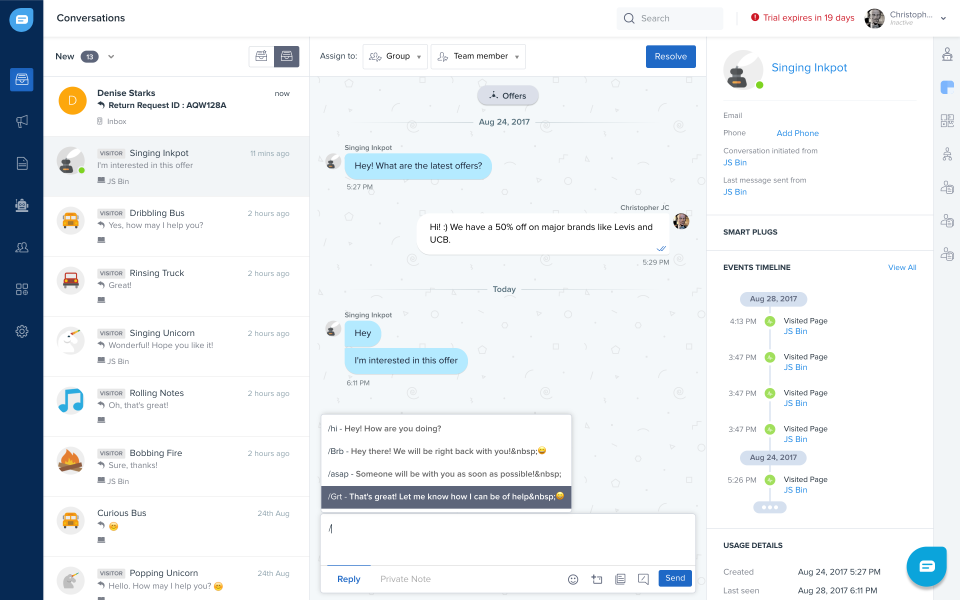
One more practical detail: cancellation isn’t a “fee” problem, it’s a timing problem. Freshworks’ support documentation notes there are no cancellation fees, but cancellations take effect at the end of your billing cycle. That means the money-saving move is planning cancellations and downgrades before renewal dates, not after the invoice hits.
Seasonality and timing
Freshchat discounts, when they appear, are usually campaign-driven rather than permanent. Don’t plan your operating budget around rumors; plan it around your actual support volume and staffing model.
- Black Friday / Cyber Week: sometimes triggers broader SaaS promos, but you should still verify the discount in your cart.
- Budget season: teams often upgrade tools during annual planning, which is when sales-assisted offers may be easier to negotiate.
- Peak support months: product launches and holiday traffic spikes can push you into needing more seats or higher-tier routing.
Here’s the boring truth about timing: if you need better support today, waiting months for a hypothetical coupon is usually more expensive than upgrading and resolving customer issues faster.
Alternatives to consider
If Freshchat isn’t the right fit, it helps to compare alternatives by the workflow you actually run: channel coverage, routing sophistication, bot tooling, analytics, and how clearly pricing scales with seats.
- Intercom: strong messaging + automation ecosystem, typically higher price.
- Zendesk Messaging/Chat: good for teams already deep in Zendesk’s support suite.
- LiveChat: classic live chat experience with add-ons and integrations.
- Crisp: popular with startups for shared inbox + chat at simpler tiers.
- Tidio: common SMB pick when you want quick setup and basic automation.
Compare tools with one repeatable test: set up one channel, route to two teams, run one bot deflection flow, and measure agent time saved after a week.
FAQs + operator notes
Q: Is there a working Freshchat coupon code right now?
A: As of September 2026, I did not find an always-on code advertised on Freshchat’s official pricing pages. Treat any code as valid only if it changes the final total you’re about to pay.
Q: Does Freshchat have a free plan?
A: Yes. The official pricing page lists a Free plan at $0 for up to 10 agents, which is a solid way to validate workflow before paying for seats.
Q: How long is the Freshchat free trial?
A: Freshchat’s pricing FAQ states you get access to the Enterprise plan for 14 days when you sign up, and the signup page notes no credit card is required for the trial.
Q: Can I cancel anytime?
A: Freshworks’ support documentation states there are no cancellation fees, and cancellation takes effect after your billing cycle ends.
Q: What payment methods does Freshchat accept?
A: The pricing FAQ states Freshchat accepts major cards (Visa, Mastercard, Discover, and American Express) and does not accept PayPal.
Q: What’s the simplest way to spend less?
A: Keep agent seats tight, start on Free, use the trial to validate the Enterprise workflow, and upgrade only when volume and routing needs clearly justify paid tiers.
Operator notes: Last checked: September 2026. Verified on official Freshworks pages: plan names and per-agent annual pricing, Free plan agent cap, 14-day Enterprise trial language, accepted payment methods (and PayPal not accepted), and cancellation timing (no cancellation fees; cancellation effective after the billing cycle). Not verified: any third-party coupon strings, partner-only discounts tied to affiliate landing pages, or the exact placement of a promo-code input field across every possible checkout variant.