
Webdock coupon code searches usually happen when you want cheaper VPS hosting without risking a sketchy checkout. As of September 2026, Webdock’s own promotions documentation says there are currently no promotions or discount coupons for new customers, so the best savings come from profile sizing, referral credits, and support-issued account credit (when available). Below you’ll find how to apply credits, what to check on billing day, and what “refund” really means with monthly prepay servers. If you do have a code from support or a partner, use the checklist to debug it and confirm the final amount before you deploy.
As of September 2026, I couldn’t confirm an always-on, publicly posted Webdock coupon code for new customers on Webdock’s own promotions documentation, so this page focuses on savings you can actually verify. Your checkout may differ. This isn’t magic… pricing + policy.
You’re deploying a small WordPress site and want predictable monthly spend.
You’re a developer spinning up staging servers for a week at a time.
You’re an agency that needs clean billing and quick server handoffs.

Here’s the boring truth about Webdock discounts: most of the time, the best “deal” is selecting the right profile and understanding how their monthly billing and refunds work. I first assumed… then realized that Webdock’s billing cadence and credits matter more than a pasted code. Deal math beats coupon hunting. Micro-check #1: the public site and docs live on webdock.io, while the customer dashboard runs on app.webdock.io. Micro-check #2: the Terms describe card payments processed with Stripe, and Service Credits that can be funded via PayPal. Start from official buttons, not random code lists, and verify totals inside the dashboard before you spin up anything.
Webdock coupon code status
People Google “Webdock coupon code” because they want a quick win—paste a code, pay less, move on. No magic here—just billing math you can verify. Webdock’s own “Special Offers & Trial Periods” documentation states that, at the time of its last update, there are currently no promotions or discount coupons for new customers, and the page says it will be updated when discounts/promotions are offered.
Screenshots lie, so trust the live docs and your invoice emails. That same promotions page also notes that Webdock runs coupon promotions where they give out free credit “frequently,” and suggests asking support directly or searching around for credit coupons when they are running them. Read the refund rules before you deploy anything, because “credit” and “refund” don’t always mean “money back.”
Best for: developers and small teams who want straightforward VPS hosting, a polished control panel, and predictable pricing without add-on surprises.
Not ideal for: anyone who expects fully managed hosting or a hands-off “set it and forget it” platform with zero server responsibility.
Check with a professional first if: you handle regulated or sensitive data and need help aligning hosting, logging, and access controls with compliance requirements.
One more practical note: Webdock doesn’t sell the “coupon chase” fantasy. When there’s a legit credit coupon, it tends to be account credit that offsets usage, not a permanent percent-off banner. If it feels sketchy, don’t paste it.
Best ways to save (no-code)
Hosting is simple until billing day arrives. The best savings come from aligning your spend with what you actually run, not what you think you might run “someday.” Webdock’s homepage pricing section highlights low-cost entry profiles and emphasizes predictable pricing with core features included, which can reduce the need for paid add-ons elsewhere. Rule of thumb: size for RAM and storage first, then add CPU only after you’ve watched real usage charts for a week.
- Choose the smallest profile that meets your load: start with a lightweight VPS for dev/sandboxing, then resize once you’ve measured CPU/RAM needs
- Use the Custom VPS builder thoughtfully: dial in RAM, vCPU, and NVMe rather than paying for a bundle you won’t use
- Delete or archive servers you don’t need: Webdock bills in monthly periods, and their docs explain how cancellation and unused-time refunds work when you delete a server or product
- Watch your outgoing transfer: Webdock counts outgoing bandwidth toward usage and charges a fixed fee per TB overage (their billing guide explains the approach)
- Use referral discounts/credits when relevant: Webdock describes a referral program where your friend earns a 20% discount and you earn a 20% commission/credit for a limited time window after they purchase
- Ask support for starter credit when you’re new: their promotions doc suggests support may be able to provide a coupon for free server time when promotions are running
Keep your invoice emails somewhere searchable, then compare month-to-month cost after you’ve run real workloads for 30 days. If you want a quick starting point, use this Webdock deal link and then cross-check the profile price and included features on the official pricing page before funding your account.
How to apply a promo (steps)
When Webdock does issue credits or coupons, the goal is to make sure the credit lands in the right place (your account balance) before you create resources that start billing. If the checkout template changes, this may change. Start from official buttons, not random code lists, and keep the process boring on purpose.
- Create your Webdock account and sign in to the dashboard
- Add a valid payment method first; Webdock’s trial/credit documentation says a valid card is required to qualify for trial/credit and to apply coupons
- If you received a credit coupon from support or a promotion, apply it to your account so it shows in your balance/credit before provisioning servers
- Select a server profile (or build a custom profile) and confirm the monthly price and transfer limits on the pricing screen
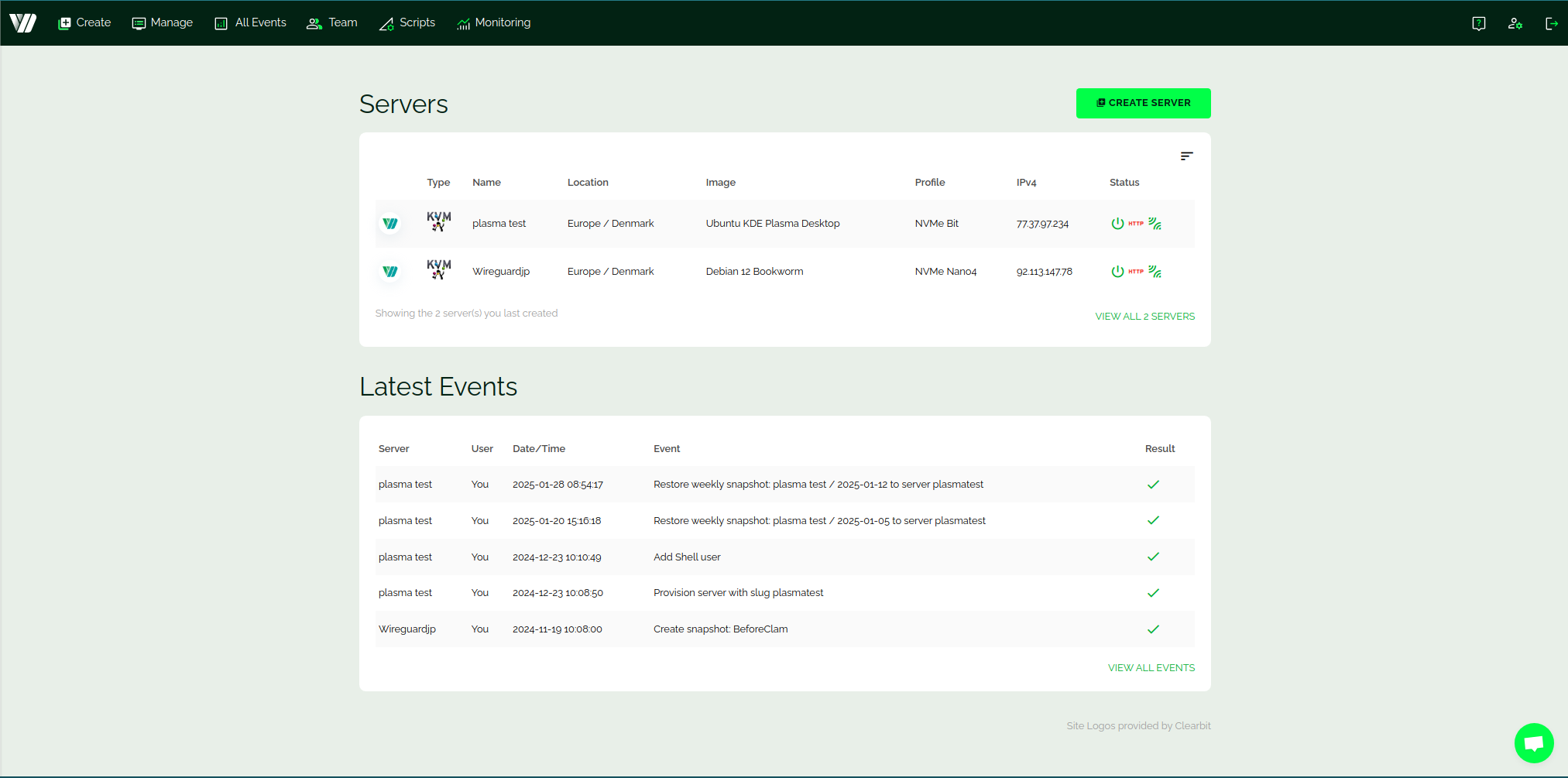
- Create the server, then verify the invoice timing and any refunds/credits on your invoices screen after changes (delete/resize) are made
If you’re only testing, note that Webdock’s promotions/trial documentation mentions an “up to 24 hour trial” tied to having valid payment details. When support offers credit, confirm the terms and any expiry in writing before you build production around it.
Code fail checklist
If you’ve been given a coupon/credit code and it won’t apply, it’s usually an eligibility or setup issue—not a secret trick. Screenshots lie, so trust the live docs and your account balance after you apply a code.
- You don’t have a valid payment method on file yet, and the platform won’t accept credits/coupons without it
- The code was issued for new accounts only, and your account doesn’t qualify
- The code is a service-credit top-up that must be applied to your account balance (not pasted during server creation)
- The promotion has expired, hit its redemption limit, or was revoked
- Your server profile or add-on isn’t eligible for that specific promotion
- You’re seeing taxes/currency conversion that make the discount look smaller than expected
- You funded via PayPal service credits and expected a “money back” refund later (PayPal payments are described as non-refundable in Webdock’s billing docs)
If it feels sketchy, don’t paste it. Ask support to confirm whether the code should add account credit, reduce a charge, or both.
Pricing/bundles + refund/trial reality check
Here’s the boring truth about pricing: Webdock shows a few starter profiles directly on its pricing section, but it also encourages you to build a custom profile so you pay for the resources you actually need. On the public pricing page, examples include an “Essential” profile starting at €2.15/month, an “Advanced” profile at €4.30/month, and a “Pro” profile at €19.6/month, alongside add-ons like a Load Balancer priced separately.
Value isn’t just the base VPS price—it’s what’s included. The pricing section highlights that core management features (control panel, backups, SSL tooling) are included, and it calls out automated snapshots (2 daily and 3 weekly) plus slots for manual snapshots as standard. Do the math on bandwidth overage pricing before you commit, because outgoing transfer limits differ by profile and overages are billed.
Billing is also part of the “deal.” Webdock’s billing guide explains that you’re charged the remainder of the current month when you create a server, and then you’re billed on the 1st of each subsequent month for a full month up-front. It also notes that payments made through PayPal are non-refundable. That’s why it’s smart to test with a small profile first and resize later if needed.
Refunds are nuanced, especially when Service Credits are involved. In Webdock’s Terms, they state that when you cancel by deleting a server or product, any unused time is refunded to the original credit card if you paid with a credit card via Stripe, and they note a small cancellation fee may apply to cover proportionate Stripe fees. If you paid using Service Credits, the refund returns to your Service Credit balance instead of being refunded as cash, and the Terms explain that Service Credits are not refunded to other financial instruments.
Read the refund rules before you deploy anything, and treat “Service Credits” like store credit: useful for future usage, not a bank withdrawal. If you decide to walk away entirely, Webdock’s refund FAQ says to contact support, and reiterates that pre-paid service credits are non-refundable other than to your Webdock account credit.
Seasonality
Webdock doesn’t plaster constant discount banners, so “seasonality” is less about holidays and more about when the company chooses to issue credit coupons or referral incentives. Their promotions documentation explicitly says the page will be updated when promotions are running, and it also says they run coupon promotions for free credit frequently—even if there’s no active public promo at the moment.
My practical take: check the official promotions doc first, then your dashboard balance, then your invoice emails. If you’re planning a migration, build your timeline around stability and support responsiveness—not around a rumored coupon window.
Alternatives
Sometimes the best “coupon” is choosing a platform that matches your workflow. If Webdock’s control panel and billing cadence aren’t a fit, these options are common comparisons in the VPS world:
- DigitalOcean: popular for developer-friendly droplets and a large ecosystem of tutorials
- Linode (Akamai Connected Cloud): solid VPS offerings with straightforward instances and global regions
- Vultr: broad region coverage and many instance choices, including high-frequency options
- Hetzner Cloud: often compelling on price-per-performance, especially in European regions
- AWS Lightsail: simple entry point into AWS with predictable bundles for smaller projects
Start from official buttons, not random code lists, and compare on three axes: included backups/security, bandwidth policy, and how painful resizing/migrating feels. The “cheapest” monthly price can get expensive fast if you add paid backups or exceed transfer limits.
FAQs + operator notes
Q: Is there a public Webdock coupon code right now?
A: As of September 2026, Webdock’s own promotions documentation says there are currently no promotions or discount coupons for new customers. If you have a code from support, apply it as account credit and only trust what shows in your balance and invoices.
Q: Does Webdock offer a free trial?
A: Webdock’s “Special Offers & Trial Periods” documentation references an “up to 24 hour trial,” and it states that a valid payment method is always required to qualify for any trial or credit.
Q: How does Webdock billing work each month?
A: Webdock’s billing guide says you’re charged the remainder of the month when you create a server, then billed on the 1st of each month for a full month up-front, with invoices sent by email.
Q: Can I get a refund if I delete a server?
A: The Terms state that deleting a server/product triggers a refund of unused time back to the original credit card when paid via Stripe (with a possible small cancellation fee), while service-credit payments are refunded back to your service-credit balance instead of cash.
Q: Are PayPal payments refundable at Webdock?
A: Webdock’s billing documentation states that payments made through PayPal are non-refundable, so treat PayPal-funded service credits as spending power inside Webdock rather than a refundable deposit.
Q: What’s the safest way to “save” on Webdock long-term?
A: Start small, measure real usage, then resize; delete what you don’t need; and use referral or support-issued credits when they’re available—while always verifying the final cost on the official pricing screen.
Operator notes: Last checked: September 2026, using official Webdock docs. Verified from official Webdock pages: the public pricing examples (€2.15 Essential, €4.30 Advanced, €19.6 Pro, plus a separately priced load balancer), included snapshots/backups messaging, the billing cadence (remainder-of-month charge, then billing on the 1st), PayPal non-refundable wording, promotions doc stating no current new-customer coupons plus the note about support-issued credit coupons, and refund handling for Stripe card payments vs Service Credits. Not verified: any third-party coupon strings, the exact placement/labeling of coupon inputs across every dashboard flow, country-specific taxes/VAT handling, or partner-exclusive promotions.